PRIVACY & CARE · 15 SEPTEMBER 2026
Your work.
Clearly explained.
Your bracelet plans belong in your project space. Here is what Strandform stores, how it uses it, and what you can change.
Scope and visual content
Strandform is a bracelet planning and making app. This policy describes the Android app and the static product website supplied with it. It covers information used for your bracelet plans, interface choices and making progress.
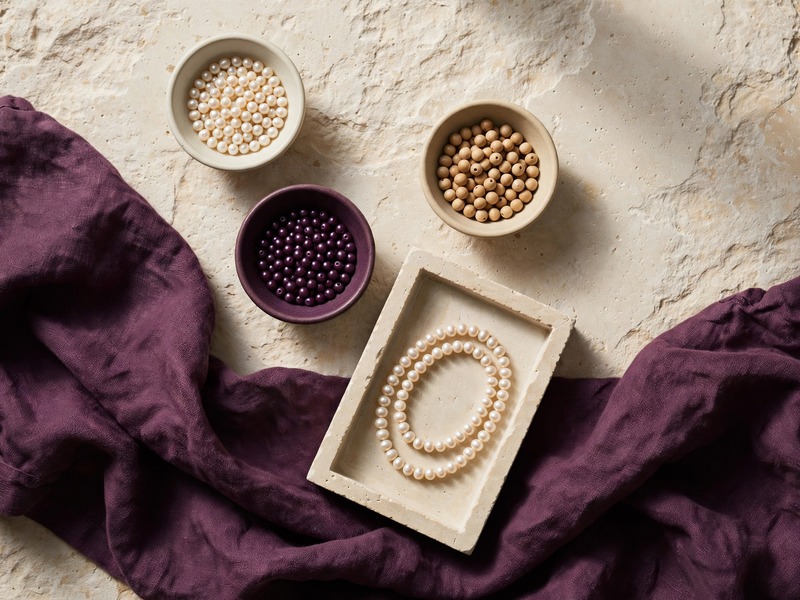
Bundled bracelet and material pictures are generated visual references, not uploaded photographs of your work. The editable bead diagram is drawn from your chosen repeat and fit settings.

Local project records
A bracelet project is a local record containing its chosen pattern, palette, bead sequence, fit settings and making information. Strandform uses that record to redraw your strand and show its material quantities.
Each saved project has an internal identifier so edits return to the corresponding collection entry. That identifier is not an account, advertising identifier or public profile, and the app does not send project records to a server.
Drafts and autosave
The current working strand is stored as a draft as you make changes and leave the app. You can return to that draft without first adding it to Keep. The Keep action adds the strand to your saved collection.
When you choose another starting pattern, the app asks to keep the current project before opening the new one. A new pattern changes the working draft; it does not alter the bundled starting pattern.
Saved strands and variations
Keep is a collection of bracelet plans stored on this device. Opening a saved strand makes it the current draft, and subsequent edits are written back to that saved record.
Duplicate creates a separate record with its own identifier, starting with the selected strand’s sequence, size settings, note and making progress. The two records can then be edited separately. Neither the collection nor its variations are shared publicly by the app.
Names and making notes
Project names and notes are text you choose to enter. They are used to label your collection and display reminders alongside your making work. Names and notes stay with the local project and can be edited from the workbench.
The app does not need contact details, account passwords or other sensitive information in these fields. Keep your notes focused on the bracelet, such as a color change or what to try during the next dry fit.
Measurements and fit settings
Wrist circumference, comfort allowance, round-bead diameter and the dry-fit adjustment are entered by you. Strandform stores these settings with the project and uses them to calculate a starting bead quantity, a color breakdown and a cord allowance.
These values are not read from a sensor or sent to us. You can change them in Fit. The estimates describe a bracelet plan; the actual result depends on the materials and your real-world fit check.

Materials and making progress
Material checkboxes record which supplies you have marked as gathered. Step checkboxes record the making steps you mark as finished. Your project’s stage is calculated from those selections and is saved with that strand.
You can clear a checkmark or revisit a step. These indicators reflect your choices in the app, not a sensor reading, verification of your supplies or inspection of a finished bracelet.
Preferences and accessibility
The app keeps its reduced-motion preference locally. It also stores the current workbench destination, mode, making step and selected repeat bead so the working context can return after reopening.
Reduced motion can be changed in Privacy & care. The interface also respects Android’s animator setting. Policy index jumps move immediately in every motion mode, and each jump provides a focused heading and a control for returning to the index.
Permissions and device features
This Android build requests no Internet, location, camera, microphone, contacts or shared-storage permission. Its screens do not offer photo uploads, audio recording, location tracking or contact access. Reference images are read from the app’s bundled assets.
AndroidX declares an app-scoped signature permission for internal receiver protection. That permission is not a request to read your photos, contacts or other shared personal files.
Connectivity and accounts
Core patterns, images, planning controls and saved work are bundled and usable without a network connection or login. This build has no account system, online purchase feature, cloud synchronization or app-managed upload route.
Your project data is not transmitted by Strandform. The supplied website is a separate surface: opening a hosted webpage involves its host, as explained in Website operation below.
Libraries, ads and diagnostics
Strandform uses AndroidX support libraries for its Android interface and lifecycle. This build does not integrate an advertising, analytics or remote crash-reporting service, and it does not request an advertising identifier.
Android and an app store may operate their own system or diagnostic services outside Strandform’s implementation. Their settings and policies govern those services; this policy describes what the supplied app code and website files do.
Storage and device access
Project records and interface preferences use the app’s private local storage. Android provides the normal separation between app storage areas. Strandform does not add a separate account password or claim to be an encrypted vault.
Someone who can use your unlocked device may be able to open the app and read its projects. Use your device’s own access controls when you want to restrict access to the work kept there.
How long work remains
The app does not apply an automatic expiry period to saved strands or notes. Local records remain available while the app’s storage is retained, until the relevant records are removed or the app’s storage is cleared.
The current draft is stored separately from the saved collection. Closing and reopening the app is intended to retain this work. Temporary editing history and the last-deleted recovery record are session data, rather than a permanent archive.
Deleting projects and Undo
Delete in Keep removes the selected saved collection entry after confirmation. The last removed entry can be restored with Undo while the app session remains available. A later deletion replaces that temporary recovery record.
Deleting a collection entry does not erase the current draft if that strand is still open. Undo for workbench edits is also limited to the current session. To remove all app-managed project records together, use Android’s Clear storage action or uninstall the app.
Backup, transfer and restoration
Android cloud backup is disabled for this app. Its data-extraction rules also exclude the project storage from Android device transfer. There is no in-app project export, import or cloud restore feature in this version.
Uninstalling the app or clearing its storage can remove your work without an in-app recovery route. A compatible signed update is designed to retain the existing local data, but updating is not a backup service or a way to restore records that were already removed.
Website operation
The supplied landing and privacy pages use bundled images, local styles and a small repeat-color demo. These files include no tracking script, submission form, external font or third-party runtime asset, and they do not set cookies.
The demo changes only the current webpage state and resets when the page reloads; it does not access your Android projects. If the pages are hosted, the host can receive ordinary request information such as an IP address and requested URL. Hosting logs and retention depend on that host, not on these static files.
Audience and making context
Strandform is intended for adult and teen jewelry hobbyists. It does not ask for an age, birth date or child profile. It has no messaging, public sharing or account feature through which a child’s project is sent to us.
The making activities involve small beads and ordinary craft supplies; these designs are not intended for children’s jewelry. Keep personal information out of project notes, and use the instructions supplied with your actual cord and closure materials when making a bracelet.
Contact and policy changes
Publisher identity supplied for this product: HEALTHCARE INFORMATION VIETNAM CORP. Correspondence address supplied by the publisher: 4350 TIMBER RIDGE TRL SW APT 1, WYOMING, MI 49519-6417. No verified support email or in-app contact form is supplied in this build.
This policy does not assert an official service or endorsement. A later app or website release may revise this policy when its data handling changes. Review the policy accompanying the version you use. Effective 15 September 2026.